Press kit
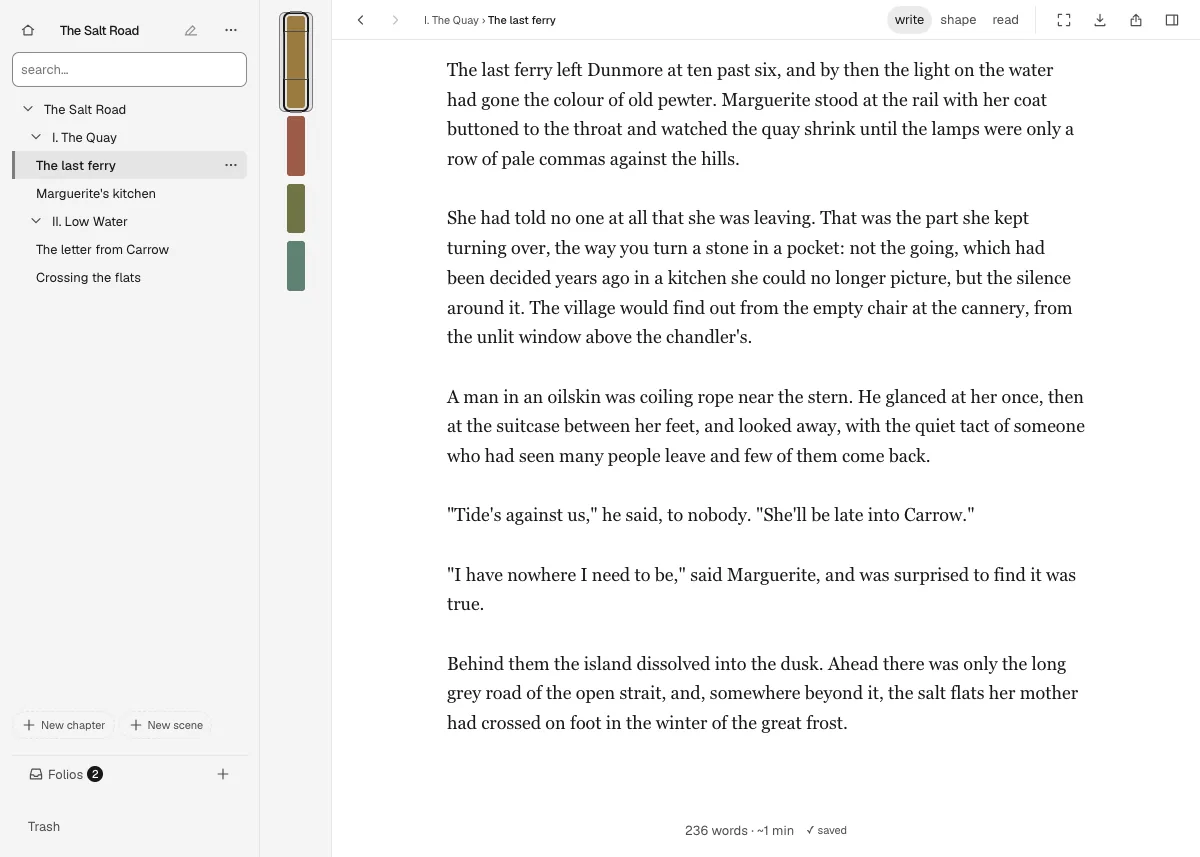
Scrin is a home where pages grow into books: you keep writing, from an untitled line to a chapter, and Scrin keeps the rest.
It opens in the browser at app.scrin.app.
What it does
-
Bring a manuscript in
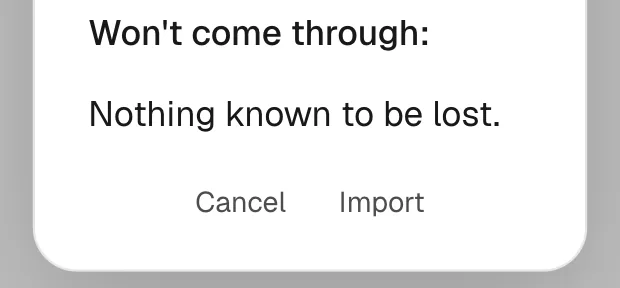
Scrin brings a manuscript in from .docx files, .scriv project folders, Markdown files or folders, plain text, RTF, ODT, EPUB, HTML, Fountain, .fdx or yWriter. Before anything enters, a preview says what will not come through, such as images.
-
Write offline
After the first visit, Scrin opens and writes with the network off. There is no account and nothing to log into.
-
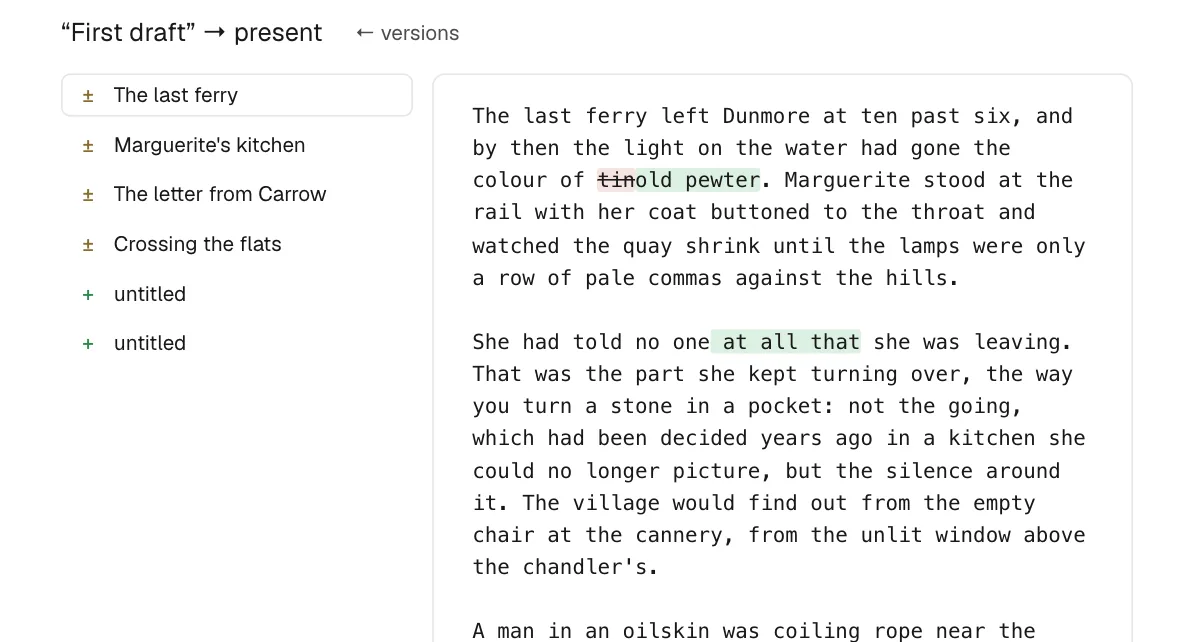
Keep a version
A scene can be frozen before it is reworked, and that version restored later. Restoring is an ordinary edit, so it can be undone too.
-
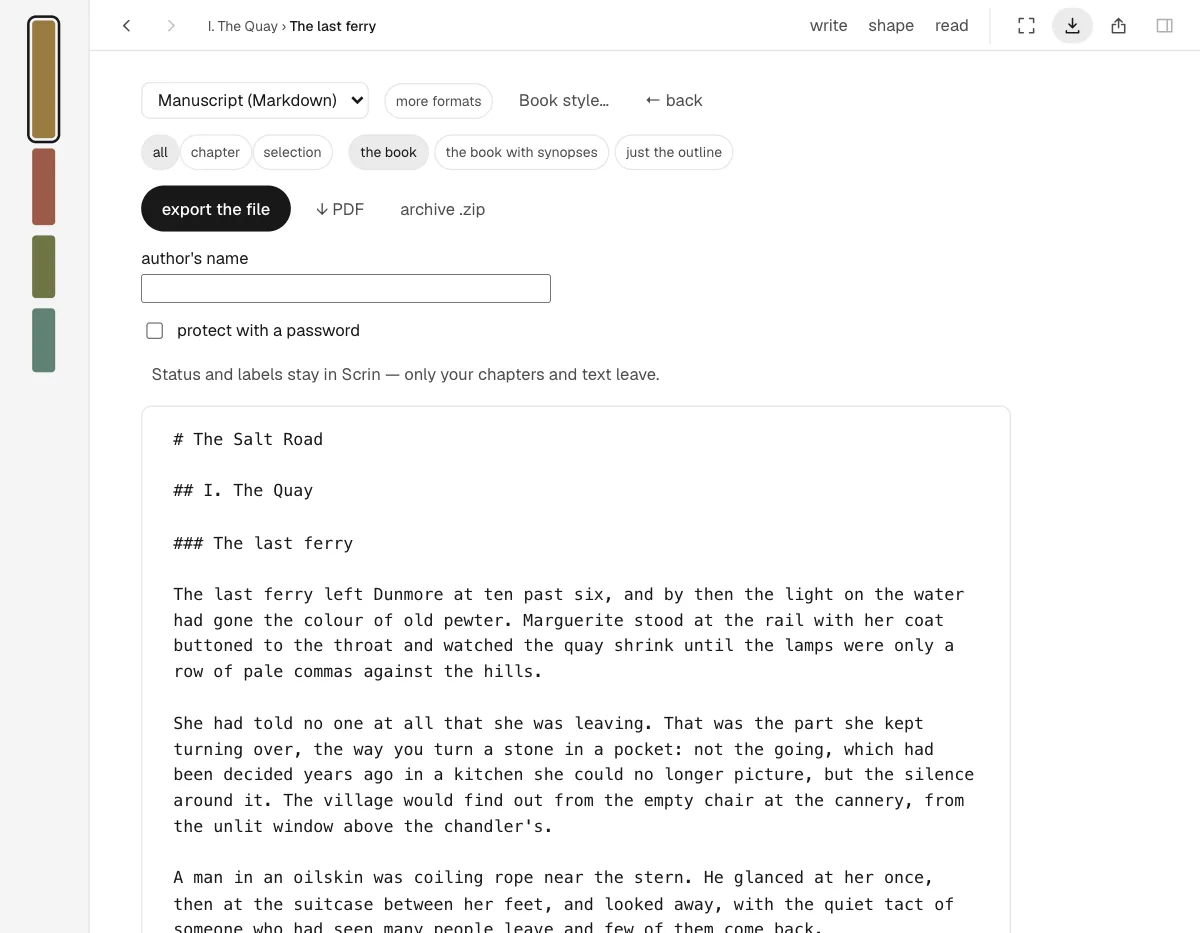
Take the text out
Text leaves whenever the writer likes: Markdown, .docx, EPUB, HTML, or PDF through printing. Scrin also keeps a plain-text copy of each day, downloadable from Settings.
-
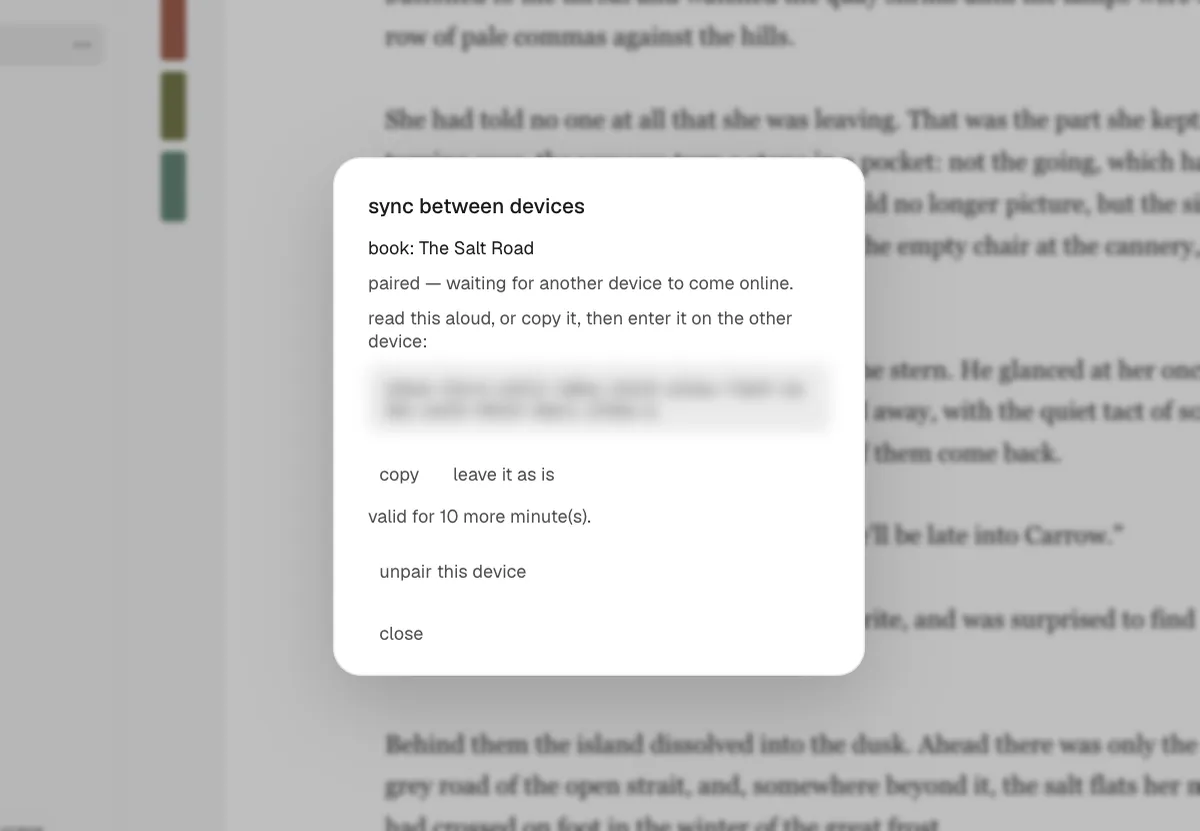
On every paired device
A manuscript follows the writer onto every device they pair, using a code shown on one already paired. The text is encrypted before it leaves a device, and only the paired devices can read it.
-
The map of a manuscript
On request, Scrin draws the map of a manuscript: outline, synopsis, characters and places with their scenes, and the threads that run through it. The text leaves the device for this only after the writer says yes.
-
Plan on a free board
On a free board (not on phones), scene cards sit anywhere, and moving one leaves the manuscript in its order. A frame around cards becomes a chapter, a frame of frames a part. One command applies the board’s order; one undo reverts it.
-
Six languages
The interface reads in English, French, German, Spanish, Italian or Portuguese.
-
Scene numbers that hold
In a screenplay, scenes are numbered once and the numbers hold: a scene added between 12 and 13 becomes 12A, and no other number moves.
-
A link for one reader
A writer shares a text through a link made in a reader’s name; the reader opens it in a browser, with no account and nothing to install. The text is encrypted before it leaves, and the key stays in the link, never on the server.
-
Sharing that can be taken back
A link can be taken back, or the sharing stopped altogether. After that, the link shows nothing.
-
Notes from readers
A reader can select a passage and leave a note signed with their name. When the writer opens the text again, the note sits on that passage, even if the text has changed since.
Screenshots
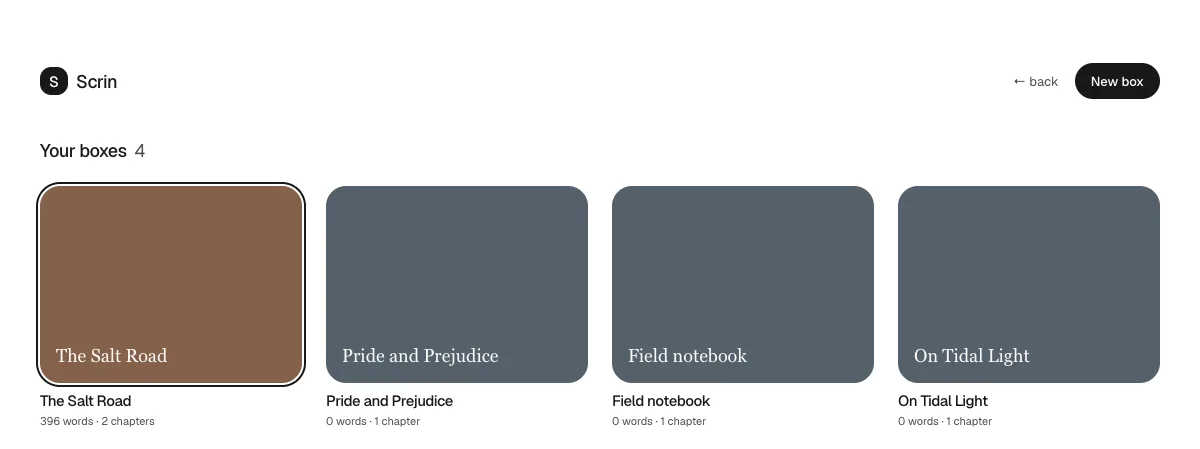
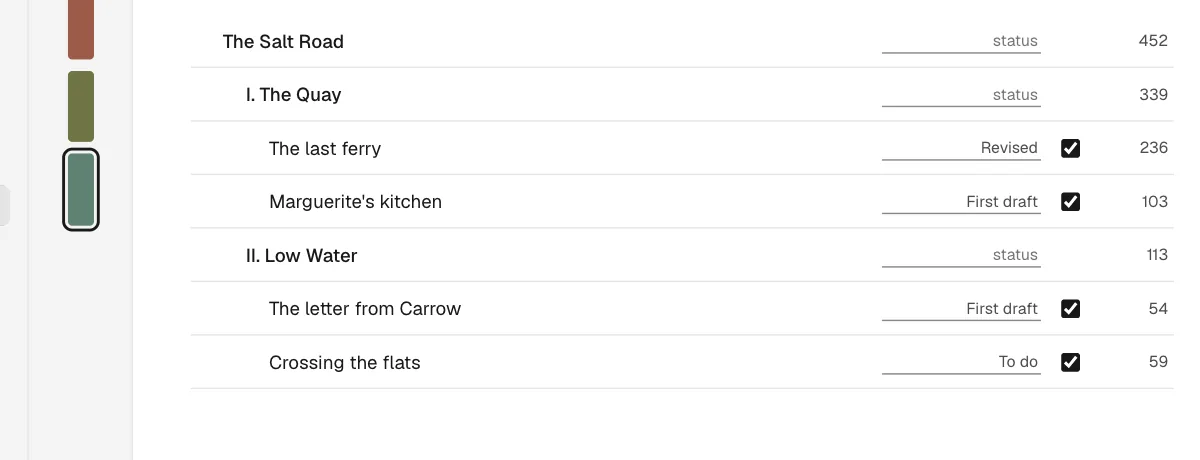
Taken from app.scrin.app on 21 October 2026, with a demo manuscript. Each opens full size.
Logo


Contact
Questions, interviews, a longer look at the app: studio@7hazart.com.